There is nothing more frustrating than seeing the percentage For iPhone battery It's rapidly depleting before your eyes, especially when you need it most. But what if we told you there's a simple trick that can help your phone stay charged much longer than usual? In the following lines, we'll reveal a hidden trick that many users don't know about, which will extend battery life and keep your iPhone running all day without any problems.

Trick to extend battery life
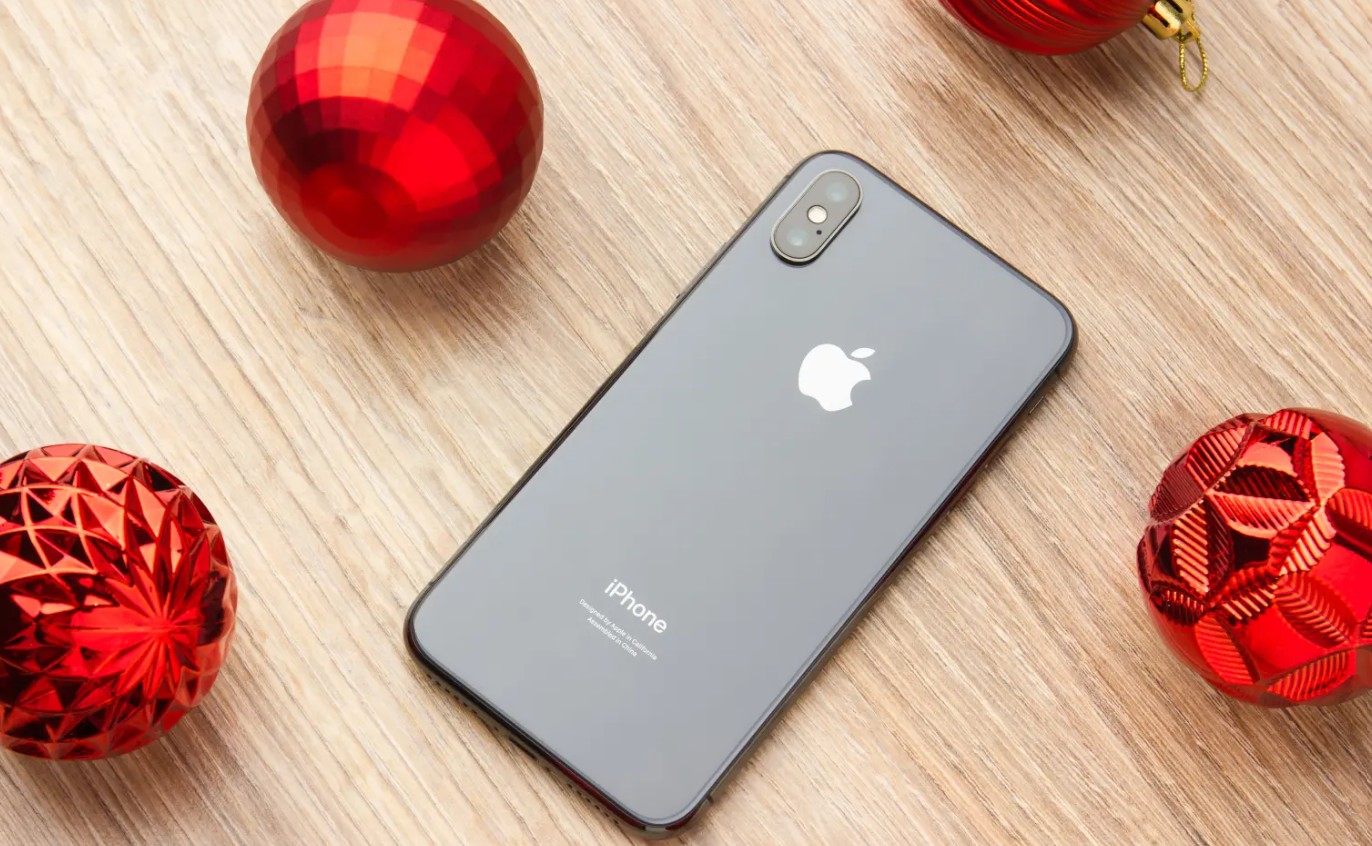
Although iPhones have been around for years, users are still learning new things about this unique smartphone. One of the new discoveries is a trick that many users may not know about, but it can extend the battery life.
The trick is to place your iPhone face down on a desk or table when not in use. That way, you'll never have to worry about your smartphone's battery draining quickly again.
You might be wondering why you should place your phone's screen down. The short answer is that this method prevents the screen from lighting up every time you receive a new notification. The device will only vibrate or sound an alert, so the screen won't turn on, thus reducing battery consumption. This trick will certainly make a huge difference, especially for those who receive a lot of emails or participate in multiple group chats.
Facedown Detection feature
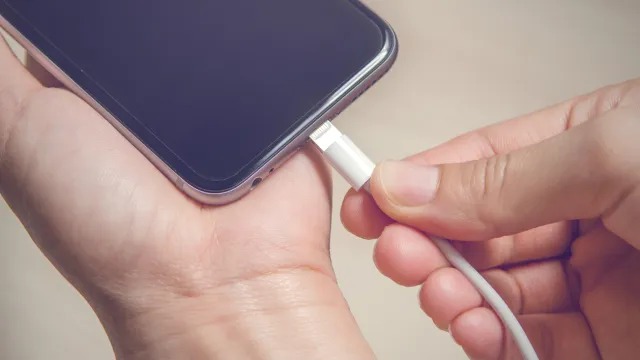
This trick is a feature that appeared in an operating system update six years ago. Apple introduced "Facedown Detection" in 9 with iOS XNUMX. With this feature, the iPhone detects if it is face down on a surface using ambient light and proximity sensors, preventing the screen from turning on even when you receive a notification. Additionally, the same feature is used to turn off the screen when you place the phone to your ear during a call, so you don't accidentally hang up or press other buttons.
Conclusion
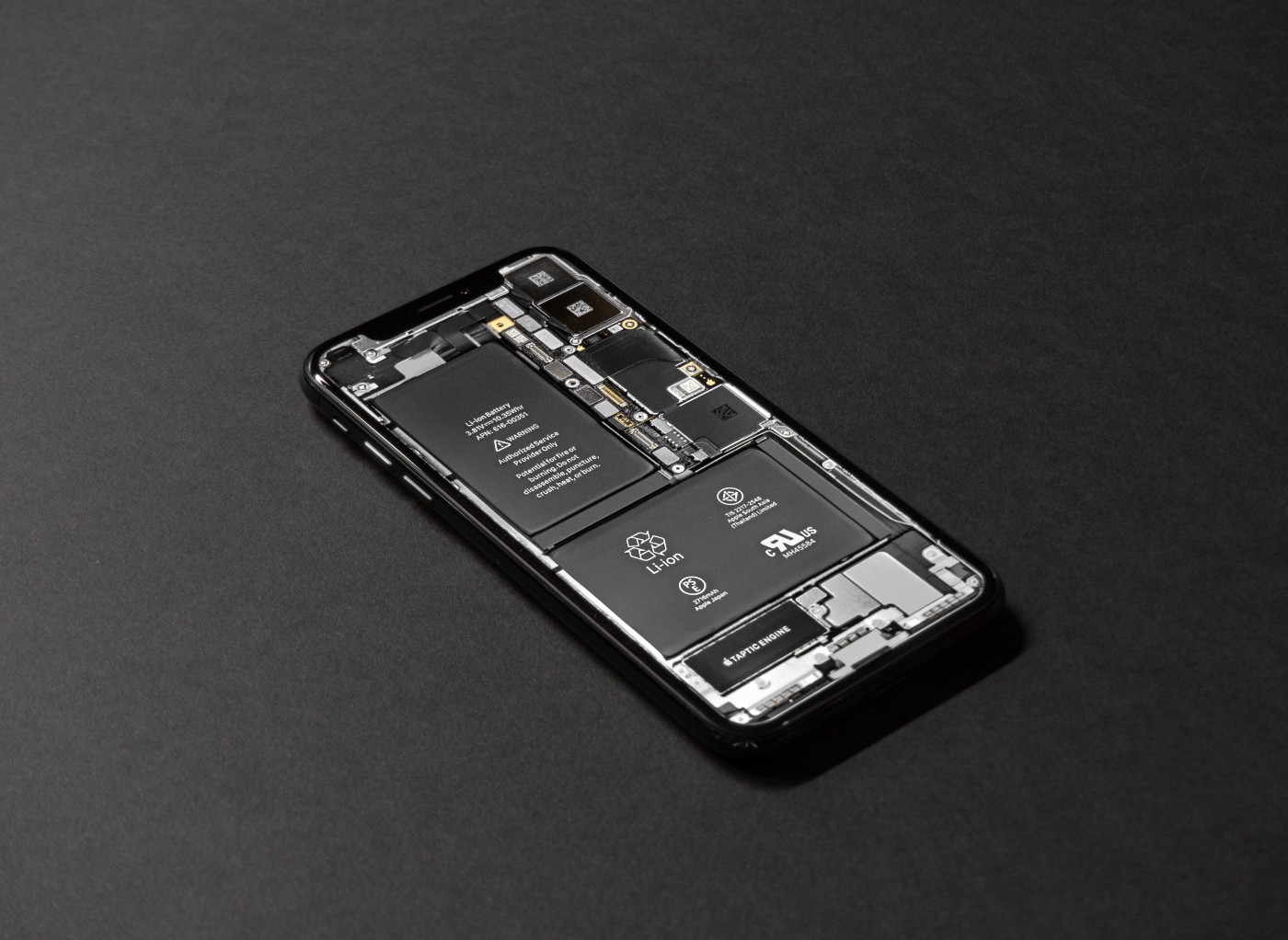
Finally, if you need to extend your iPhone's battery life, all you have to do is turn it upside down to enable FaceDown Detection and reduce the amount of notifications you receive. Also, don't forget to enable Low Power Mode, disable Location Services, and update your operating system to ensure you reduce battery drain and keep it running longer with ease.
Have you heard of this trick to extend battery life? Let us know in the comments.
Source:



9 comment